
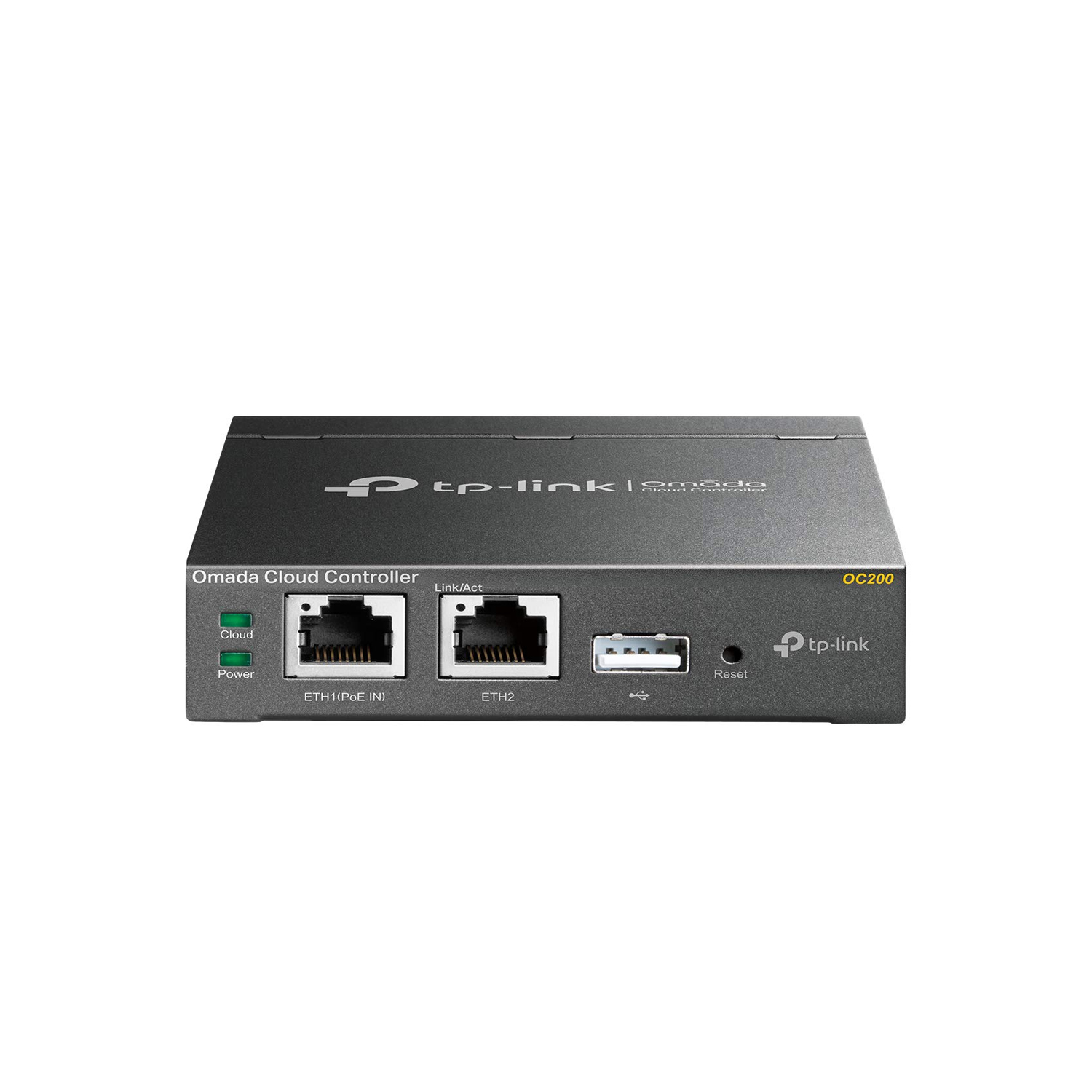
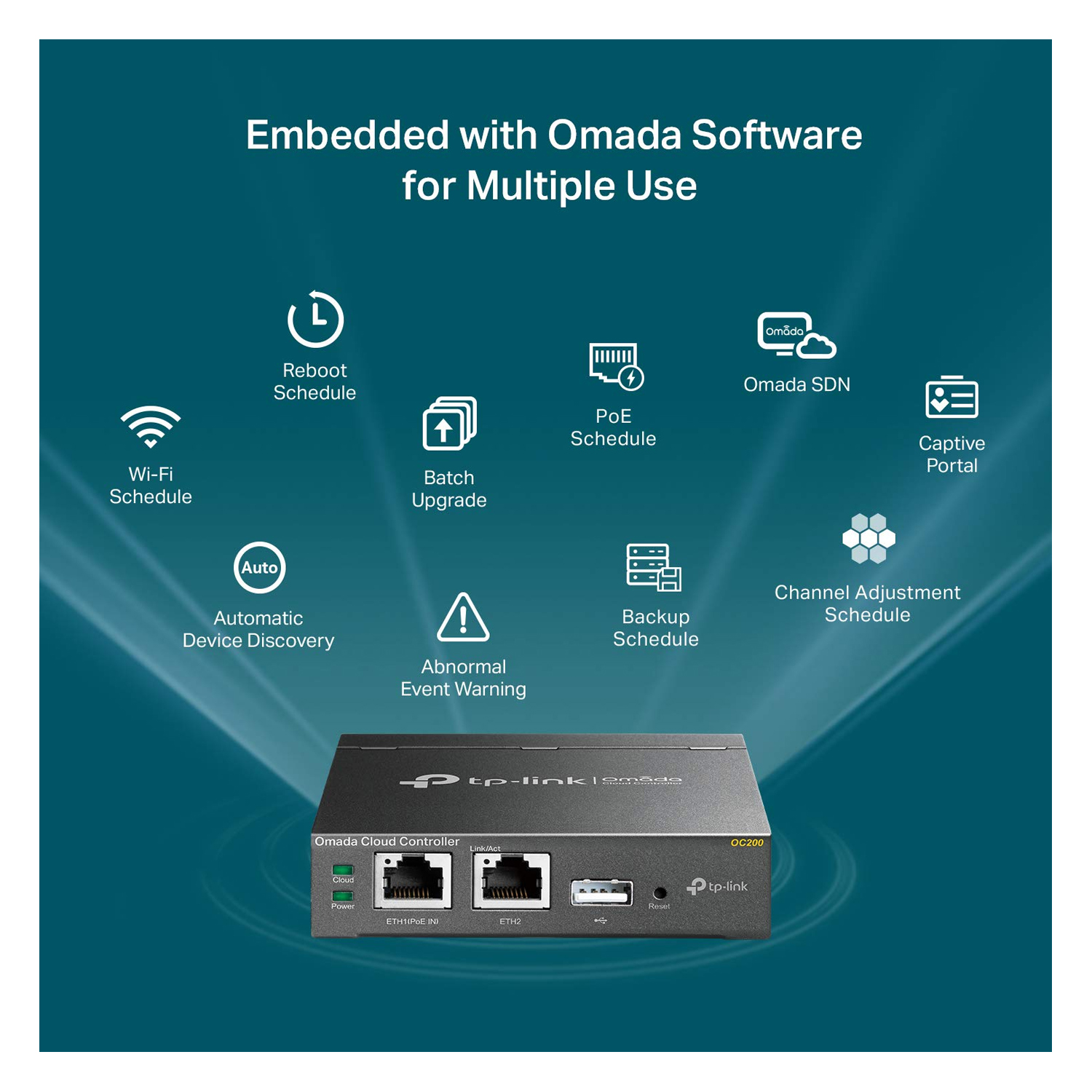


TP-Link OC200 Omada Hardware Controller is a compact and powerful centralized management solution for TP-Link’s Omada SDN (Software Defined Networking) platform. Designed for small to medium-sized networks, the OC200 simplifies and streamlines management of multiple TP-Link access points, switches, and routers through a single, intuitive interface.
With support for up to 100 Omada access points and 1,000+ clients, the OC200 ensures scalable control while maintaining excellent performance. The controller features a 1GHz dual-core processor and 1GB RAM to handle multiple operations smoothly.
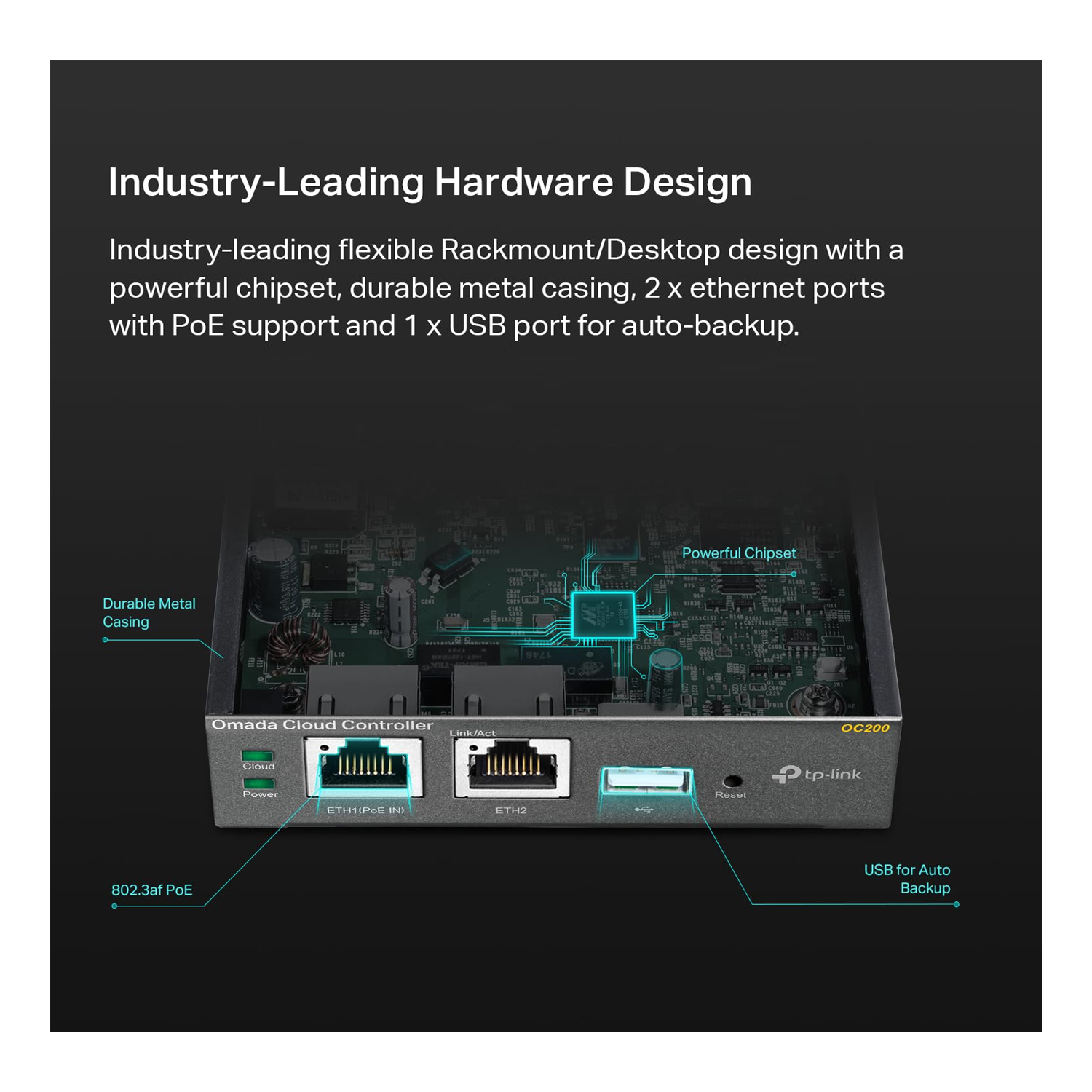
The Gigabit Ethernet port supports 802.3af PoE, allowing both power and data over a single cable for flexible deployment. With its cloud-based capabilities, you can manage your network from anywhere via the Omada Cloud Portal or TP-Link Omada App, with SSL encryption and role-based access control to ensure secure operation.
Whether you’re running a café, boutique hotel, school, or office, the TP-Link OC200 offers enterprise-level network features in a budget-friendly, compact metal case—available now at Future IT.
✅ Specifications
| Specification | Details |
|---|---|
| Model | TP-Link OC200 |
| Management | Centralized Management for Omada SDN Devices |
| Supported Devices | Up to 100 Omada APs / 1,000+ Clients |
| Processor | Dual-Core ARM Cortex-A53 1GHz |
| Memory | 1GB RAM |
| Ports | 1 × Gigabit Ethernet (PoE Supported) |
| PoE Standard | 802.3af PoE (or micro USB power supply) |
| Cloud Access | Via Omada Cloud Portal & Omada App |
| Security | SSL Encryption, Role-Based Access Control |
| Mounting Options | Wall Mount / Desktop |
| Dimensions | 3.9 × 3.9 × 1.0 in (100 × 98 × 25 mm) |
| Housing | Durable Metal |
✅ FAQs
Q1: What is the TP-Link OC200 used for?
It provides centralized, cloud-based management for all your Omada access points, switches, and gateways from a single interface.
Q2: How many devices can OC200 support?
It supports up to 100 Omada APs and over 1,000 client devices, ideal for SMB setups.
Q3: Can I manage my network remotely?
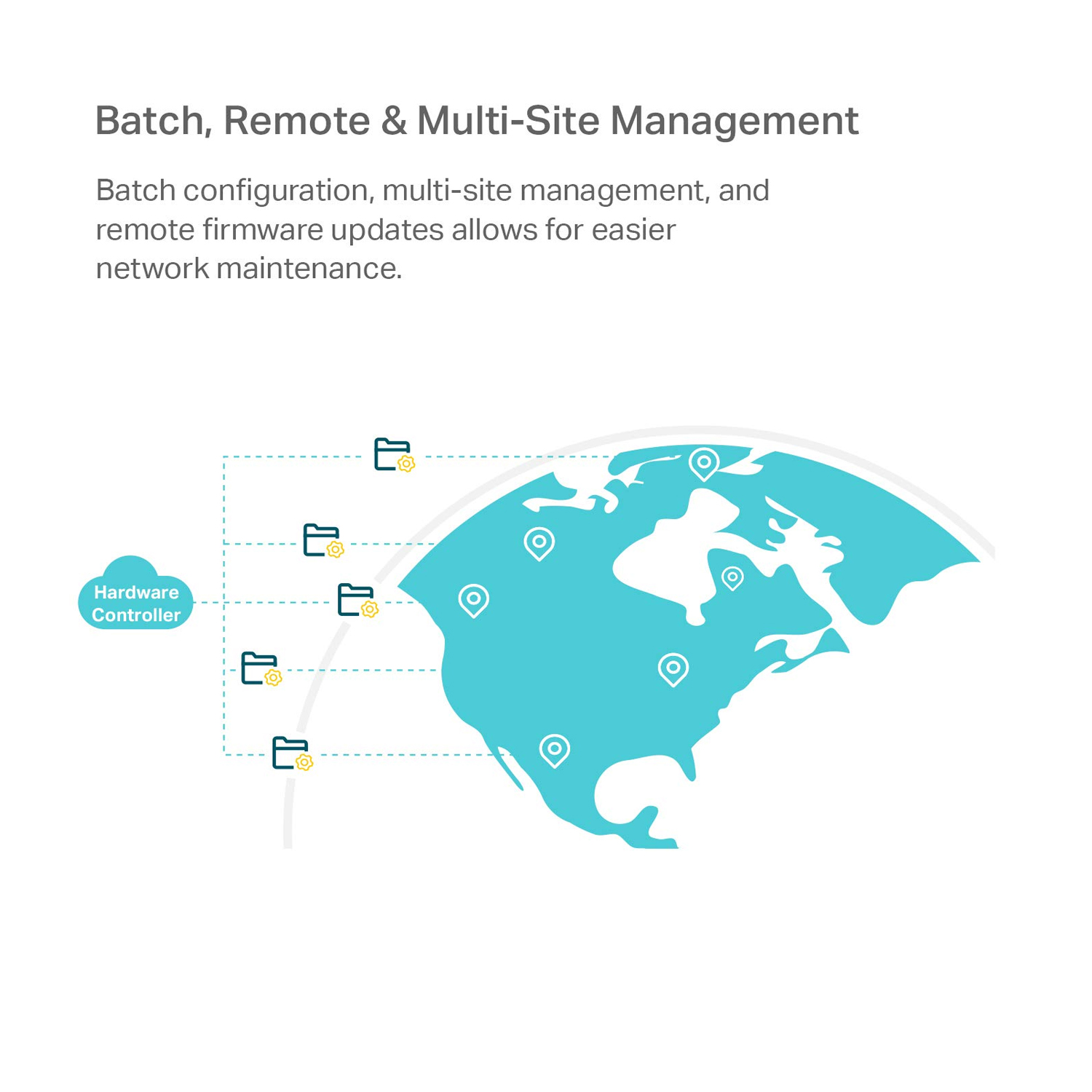
Yes, you can access and control your network anytime via the Omada Cloud Portal or TP-Link Omada App.
Q4: Does the OC200 require a power adapter?
It supports 802.3af PoE for single-cable power and data, or you can use the included micro USB power adapter.
Q5: Is the OC200 compatible with all Omada products?
Yes, it works with all Omada SDN-enabled devices, including access points, switches, and security gateways.







 No products in the cart.
Reviews
There are no reviews yet.