
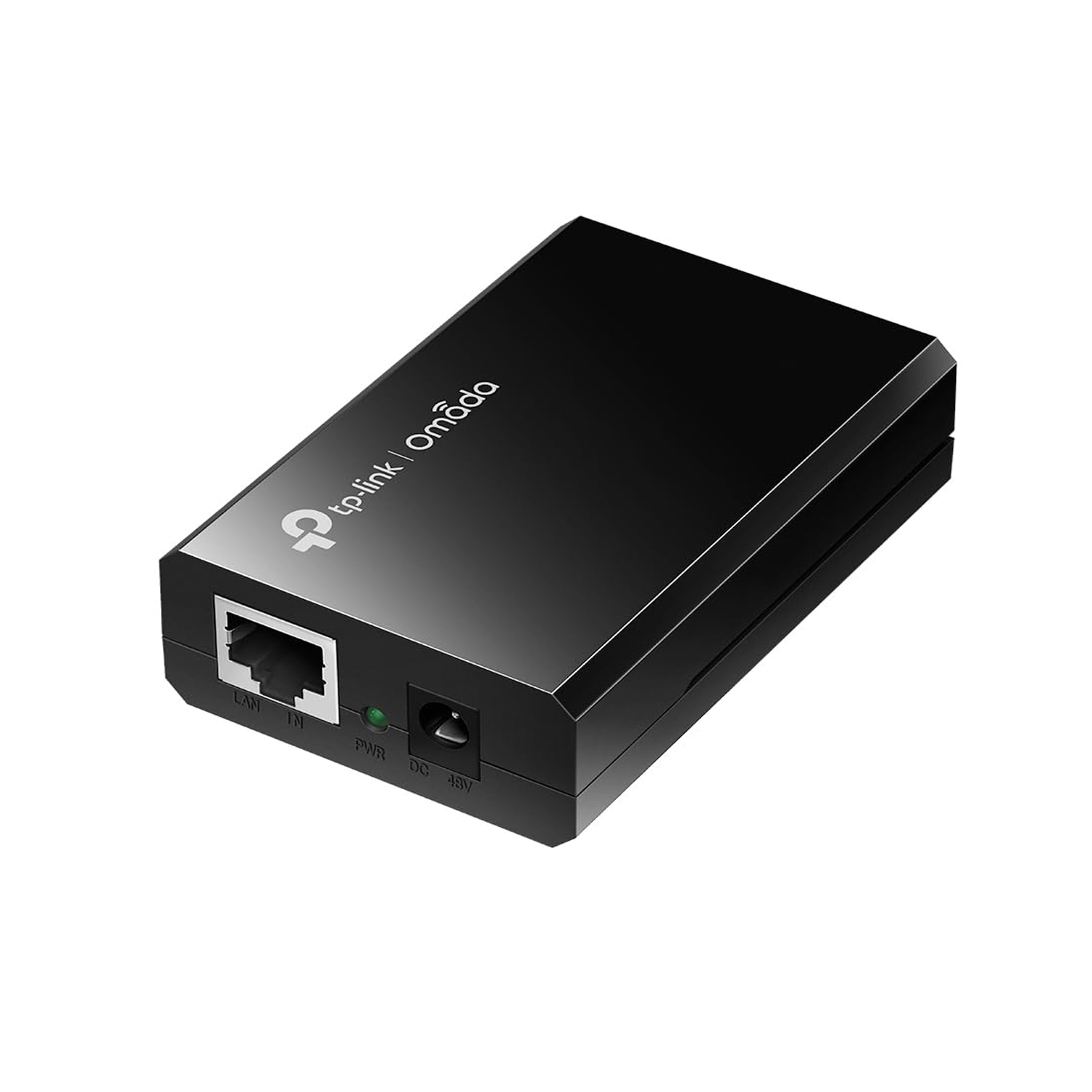
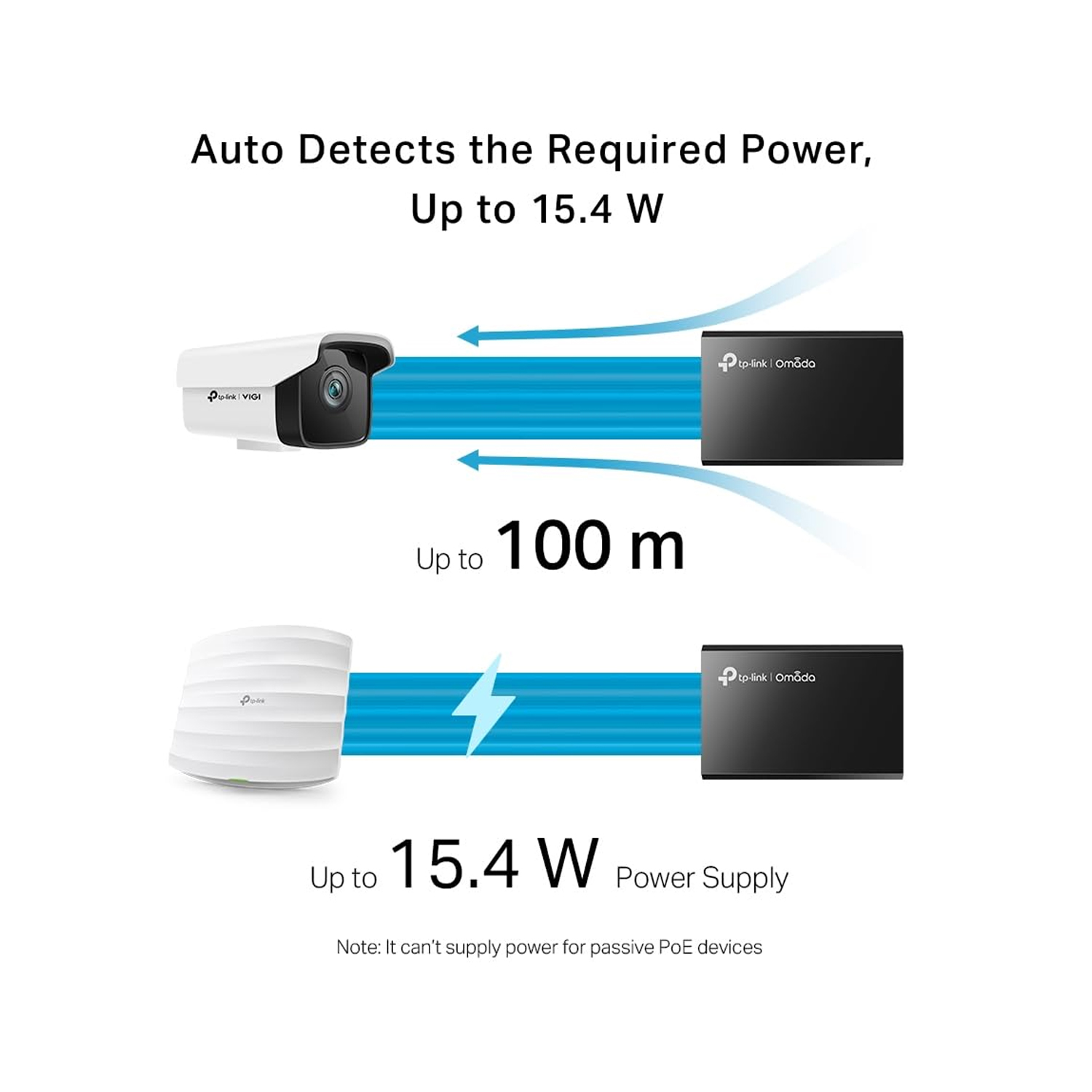
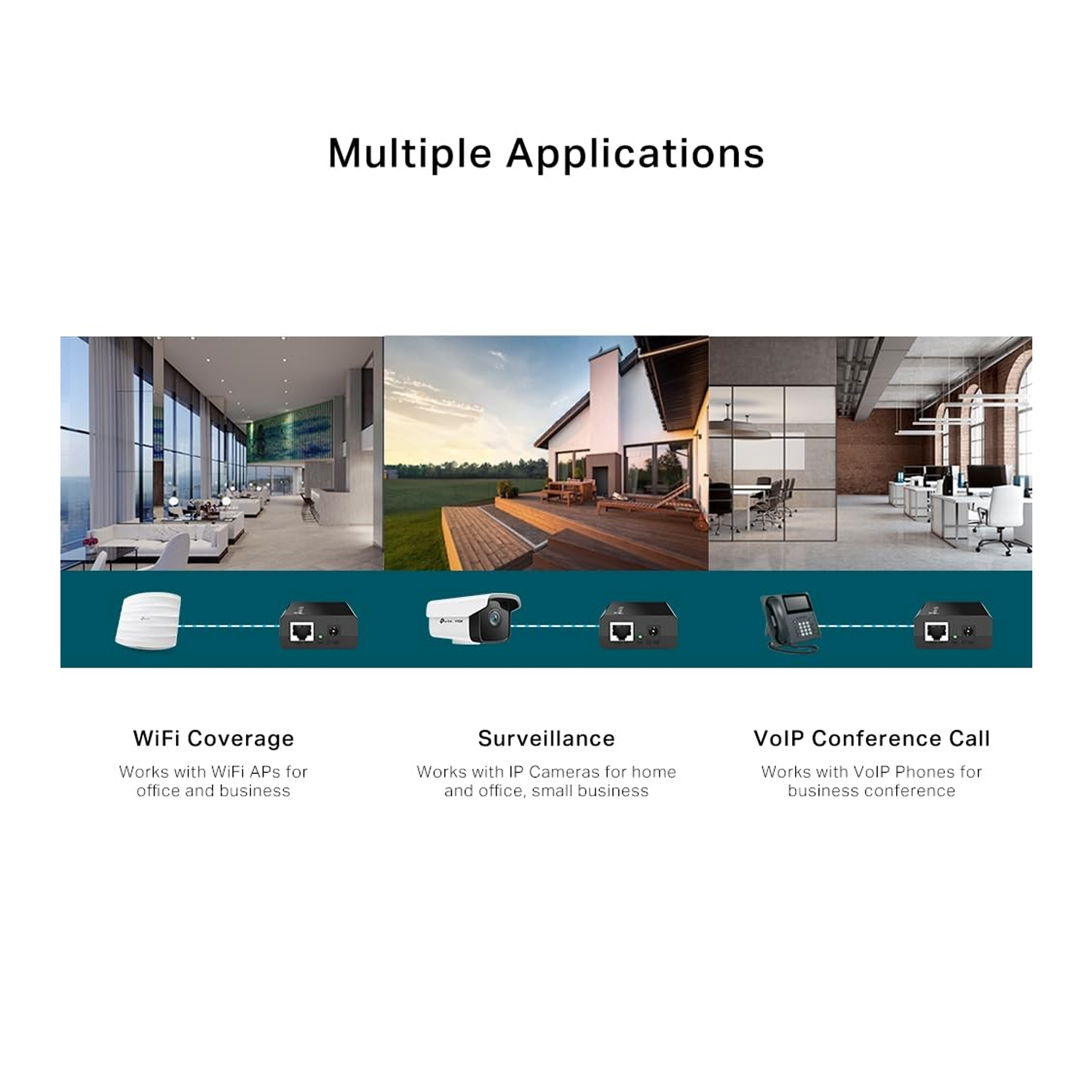
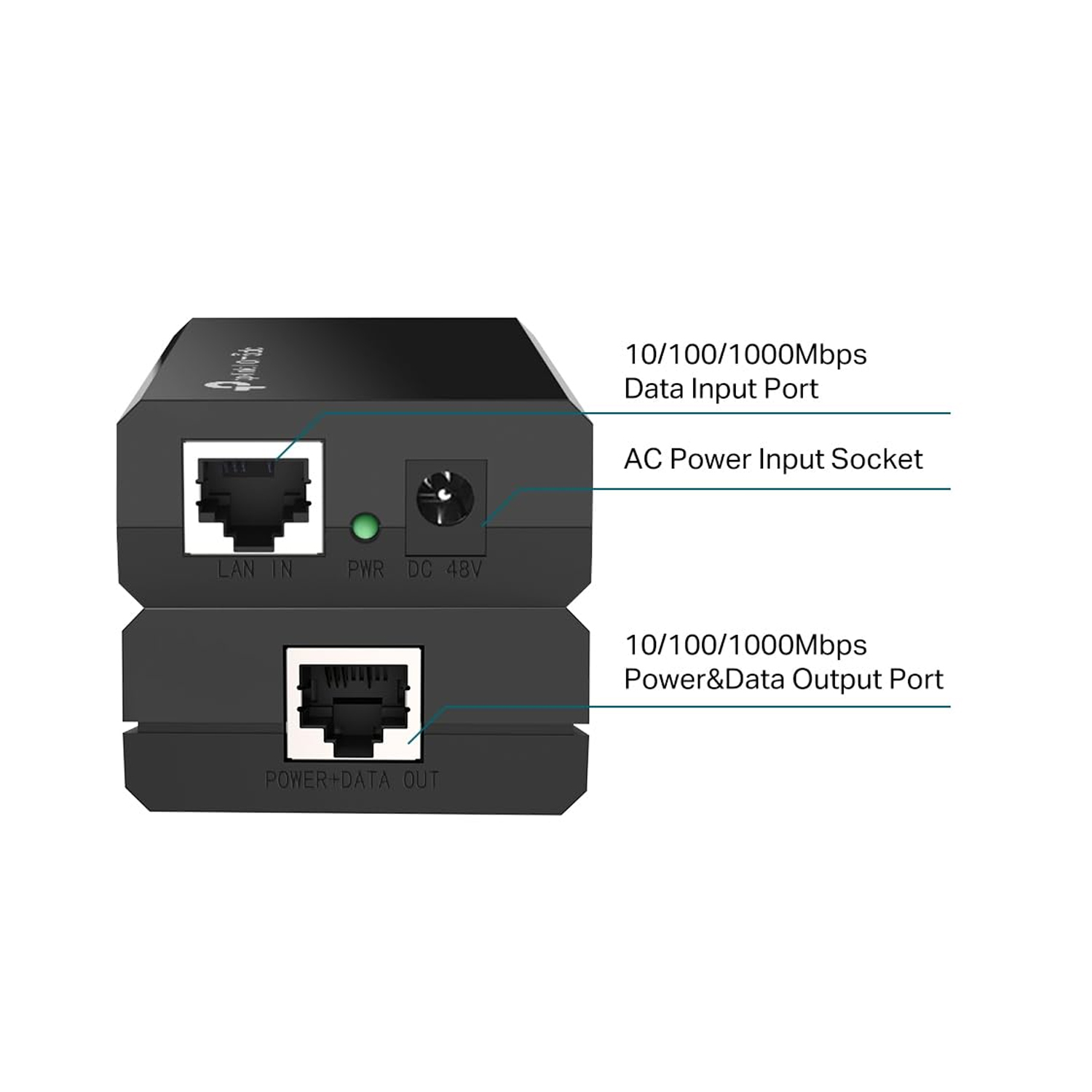


TP LINK TL-POE150S PoE Injector is a compact and reliable device that enables you to deliver both power and data over a single Ethernet cable to any IEEE 802.3af-compliant device. With 48V passive PoE support, this injector provides up to 15.4W of power output, making it ideal for wireless access points, IP cameras, VoIP phones, and other network devices located away from power outlets.
The TL-POE150S helps simplify your network setup by eliminating the need for separate power cabling. It supports Fast Ethernet and Gigabit speeds and automatically detects if the connected device is PoE-capable. This ensures that only the correct devices receive power, protecting non-PoE equipment.
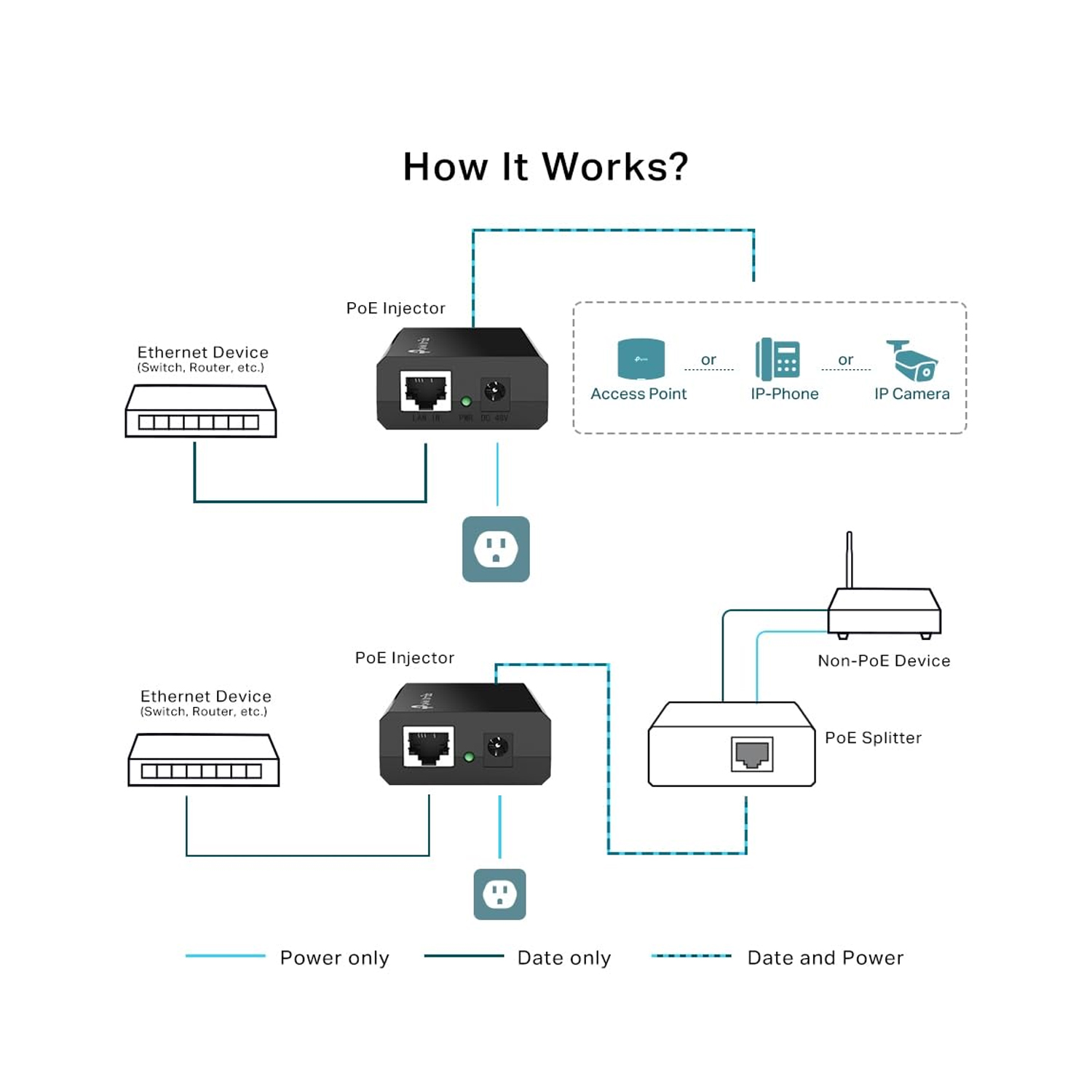
With a plug-and-play design, no technical configuration or software is needed. Just connect your network cable to the injector’s LAN and PoE ports, and plug in the power adapter — you’re ready to go. Its compact size and fanless design make it ideal for both home and business environments where silent operation is preferred.
Whether you’re installing ceiling-mounted access points or remotely located IP cameras, the TP LINK TL-POE150S PoE Injector from Future IT gives you the flexibility to power and connect devices cleanly, efficiently, and safely.
🔹 Specifications
| Feature | Details |
|---|---|
| Model | TP LINK TL-POE150S |
| Standard | IEEE 802.3af |
| Input | 100–240V AC, 50/60Hz |
| Output Power | 48V DC, up to 15.4W |
| Data Rate | 10/100/1000 Mbps |
| Ethernet Ports | 1 × Data In, 1 × Data & Power Out |
| Operating Distance | Up to 100 meters |
| Compatibility | IEEE 802.3af-compliant PDs |
| Dimensions | 80.8 × 54 × 24 mm |
| Included Accessories | Power adapter, user manual |
🔹 FAQ
Q1: What devices can I use with the TL-POE150S?
Any IEEE 802.3af-compliant device such as wireless APs, IP cameras, or VoIP phones.
Q2: Do I need a PoE switch to use this?
No, the TL-POE150S allows PoE functionality using any standard network switch.
Q3: Can it support Gigabit speeds?
Yes, it supports 10/100/1000 Mbps data rates.
Q4: How far can it transmit power and data?
It supports up to 100 meters using standard Ethernet cable.
Q5: Is setup difficult?
Not at all. It’s plug-and-play — no configuration or software required.







 No products in the cart.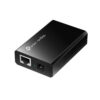
Reviews
There are no reviews yet.