
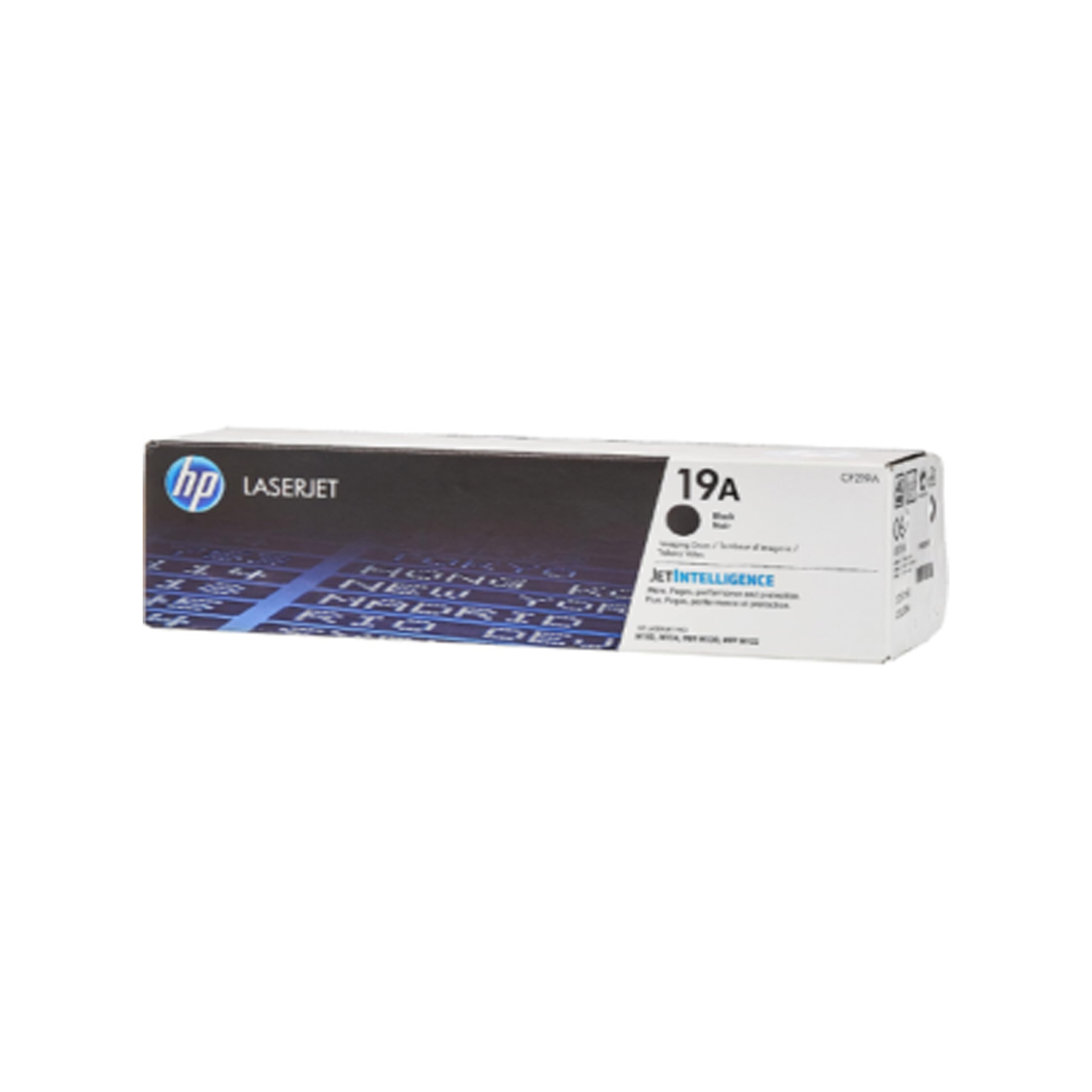
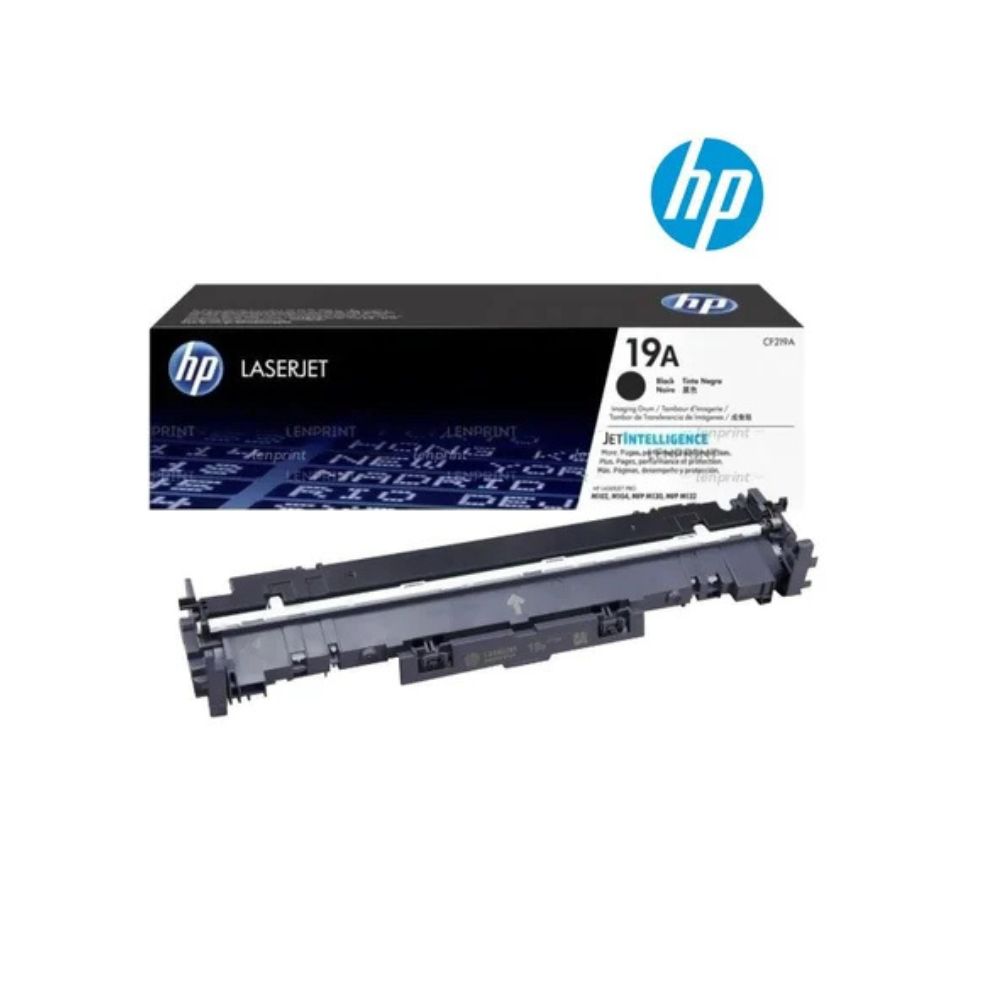
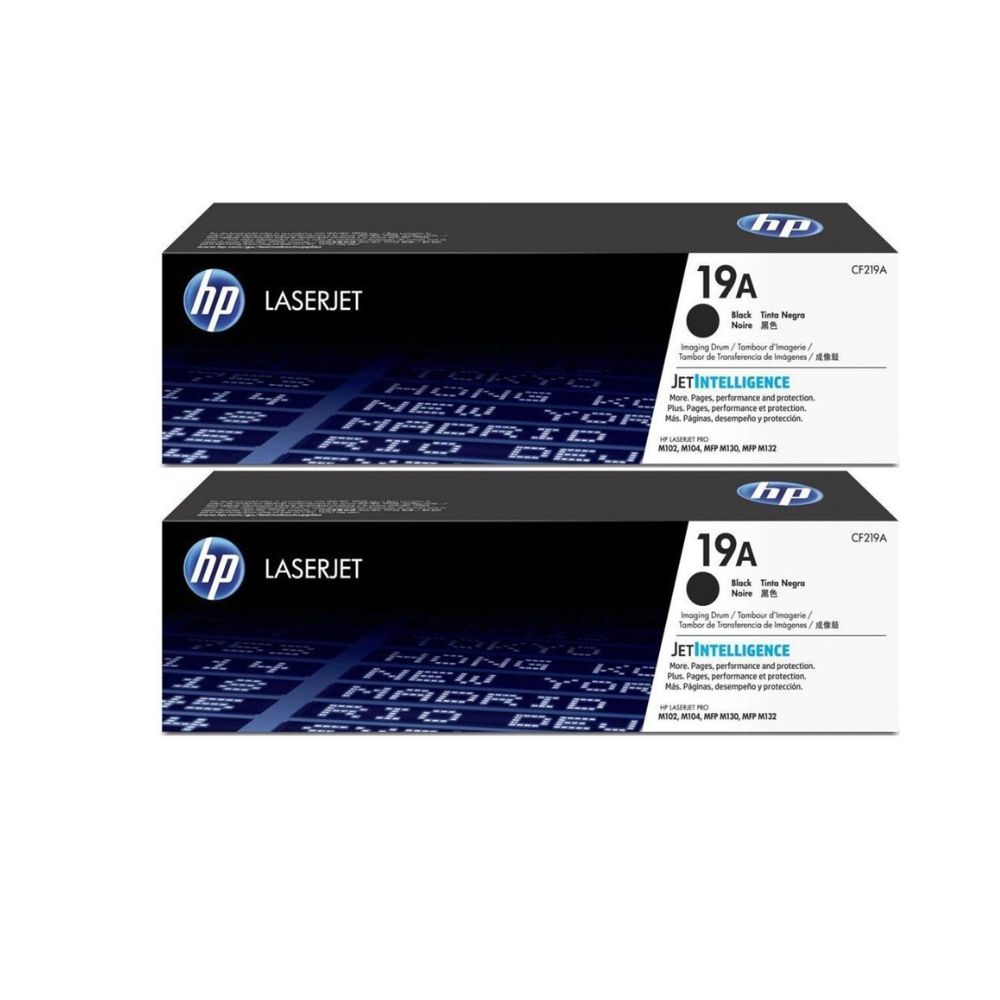
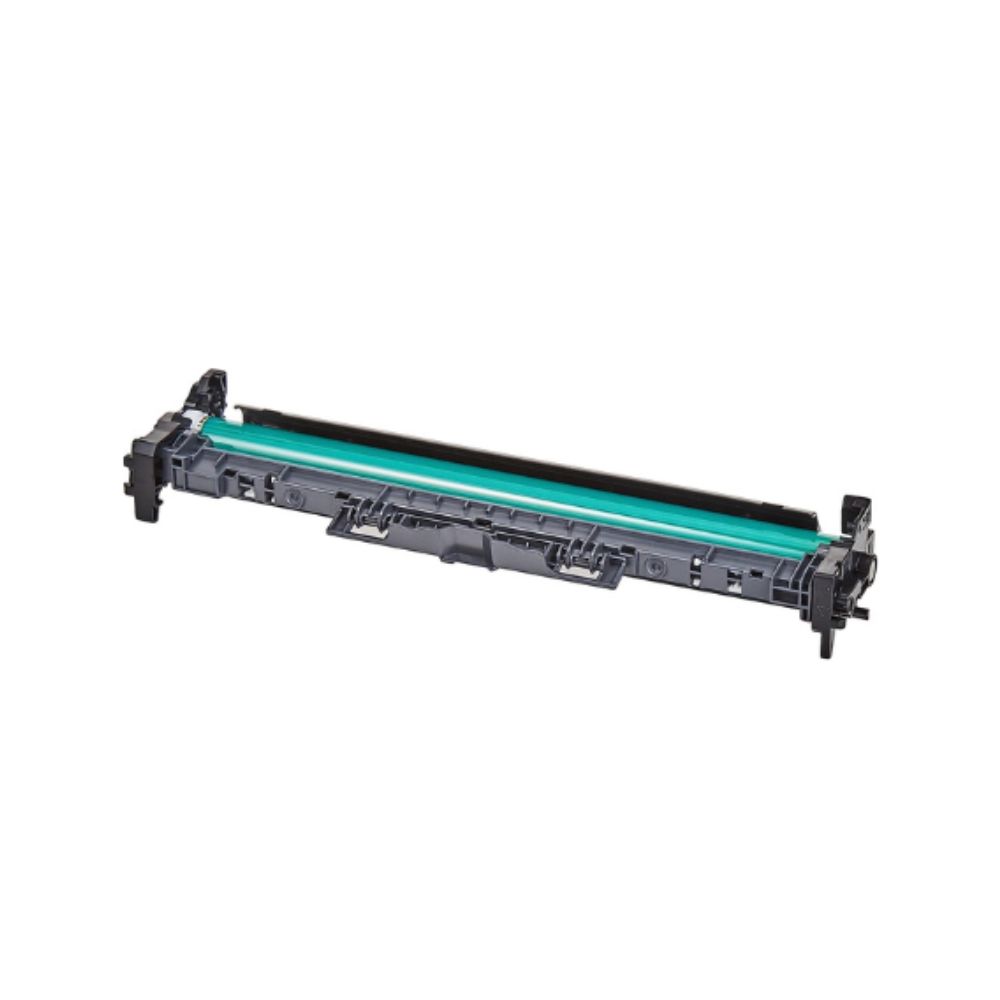


HP 19A Black LaserJet Imaging Drum CF219A ensures precise and reliable black printing for offices and professionals. Designed to deliver consistent image quality, the HP 19A Black LaserJet Imaging Drum works seamlessly with HP LaserJet Pro M102, M104, and M130 series printers to produce crisp text and sharp graphics.
The HP 19A Black LaserJet Imaging Drum CF219A is engineered for high-volume printing, offering long-lasting performance and helping maintain optimal printer functionality. It works alongside toner cartridges to transfer toner to paper efficiently, ensuring accurate and professional output for every document.
Installation is straightforward. Simply remove the protective packaging, insert the HP 19A Black LaserJet Imaging Drum, and start printing. Its robust design minimizes toner spills and supports consistent print quality over time.
HP supports sustainability through the Planet Partners recycling program, allowing users to return used imaging drums for safe and eco-friendly processing.
Using genuine HP 19A Black LaserJet Imaging Drum CF219A ensures maximum reliability, sharp text, and professional-quality prints compared to non-original alternatives. Ideal for office documents, presentations, and high-volume print jobs, this imaging drum protects your printer while maintaining consistent, crisp output.
Specifications:
| Specification | Details |
|---|---|
| Model Number | CF219A |
| Product Type | Black LaserJet Imaging Drum |
| Compatible Printers | HP LaserJet Pro M102, M104, M130 series |
| Color | Black |
| Drum Type | Imaging Drum |
| Page Yield | Up to 12,000 pages (A4) |
| Print Technology | Laser |
| Print Quality | Crisp text and professional graphics |
| Operating Temperature | 10°C – 32.5°C |
| Storage Temperature | -20°C – 40°C |
| Dimensions (W × D × H) | 360 × 100 × 75 mm |
| Weight | Approx. 1.2 kg |
| Recyclable | Yes, via HP Planet Partners |
FAQ:
Q1: Which printers are compatible with HP 19A Black Imaging Drum CF219A?
A1: Compatible with HP LaserJet Pro M102, M104, M130 series printers.
Q2: What is the page yield of HP 19A Imaging Drum?
A2: Up to 12,000 pages (A4).
Q3: Can non-original imaging drums be used instead of HP CF219A?
A3: HP recommends genuine CF219A drums for optimal print quality and printer protection.
Q4: How do I recycle my HP 19A Imaging Drum?
A4: Through HP Planet Partners for safe and eco-friendly recycling.
Q5: Is the HP 19A Black Imaging Drum easy to install?
A5: Yes, it features a simple installation process for hassle-free printing.






 No products in the cart.
Reviews
There are no reviews yet.