
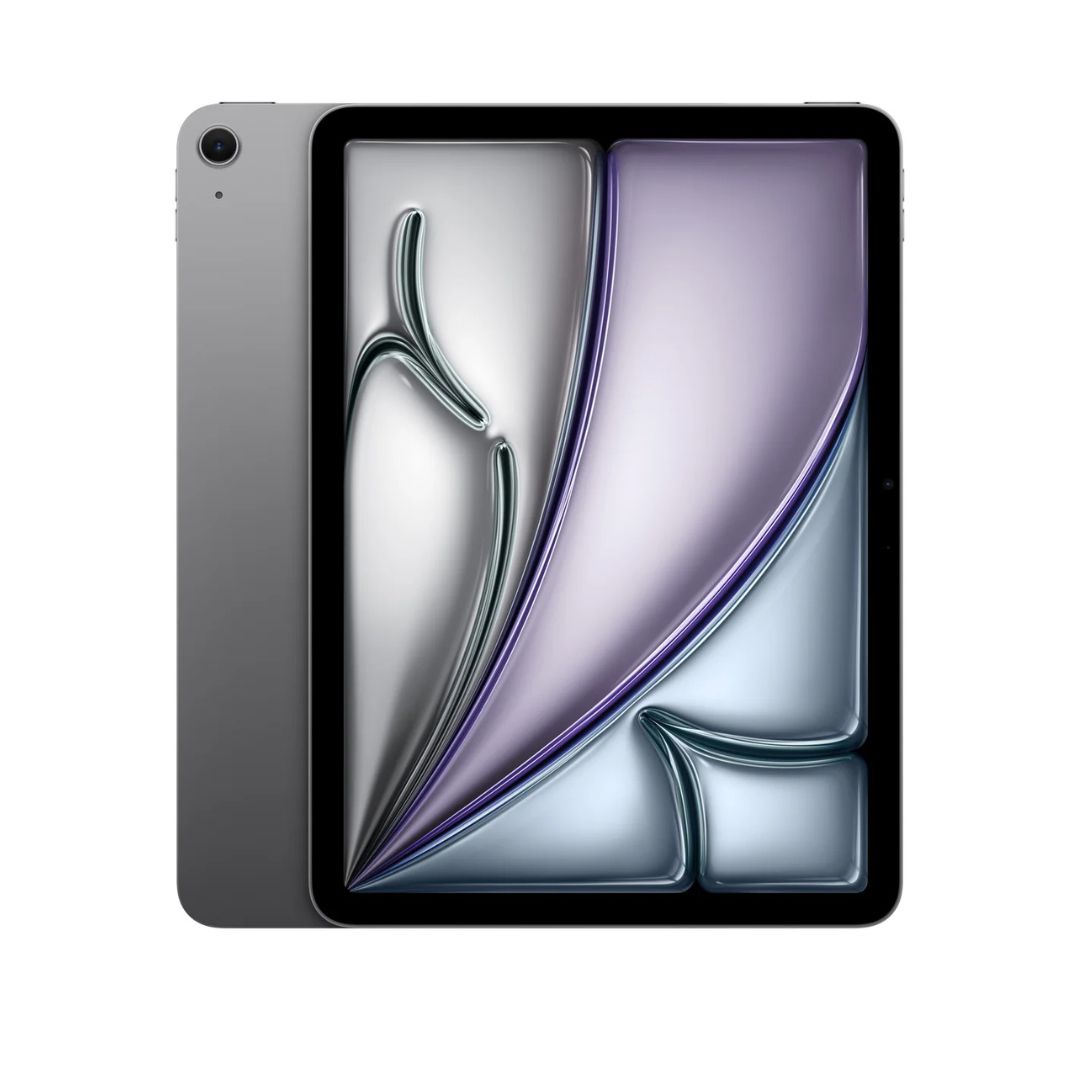
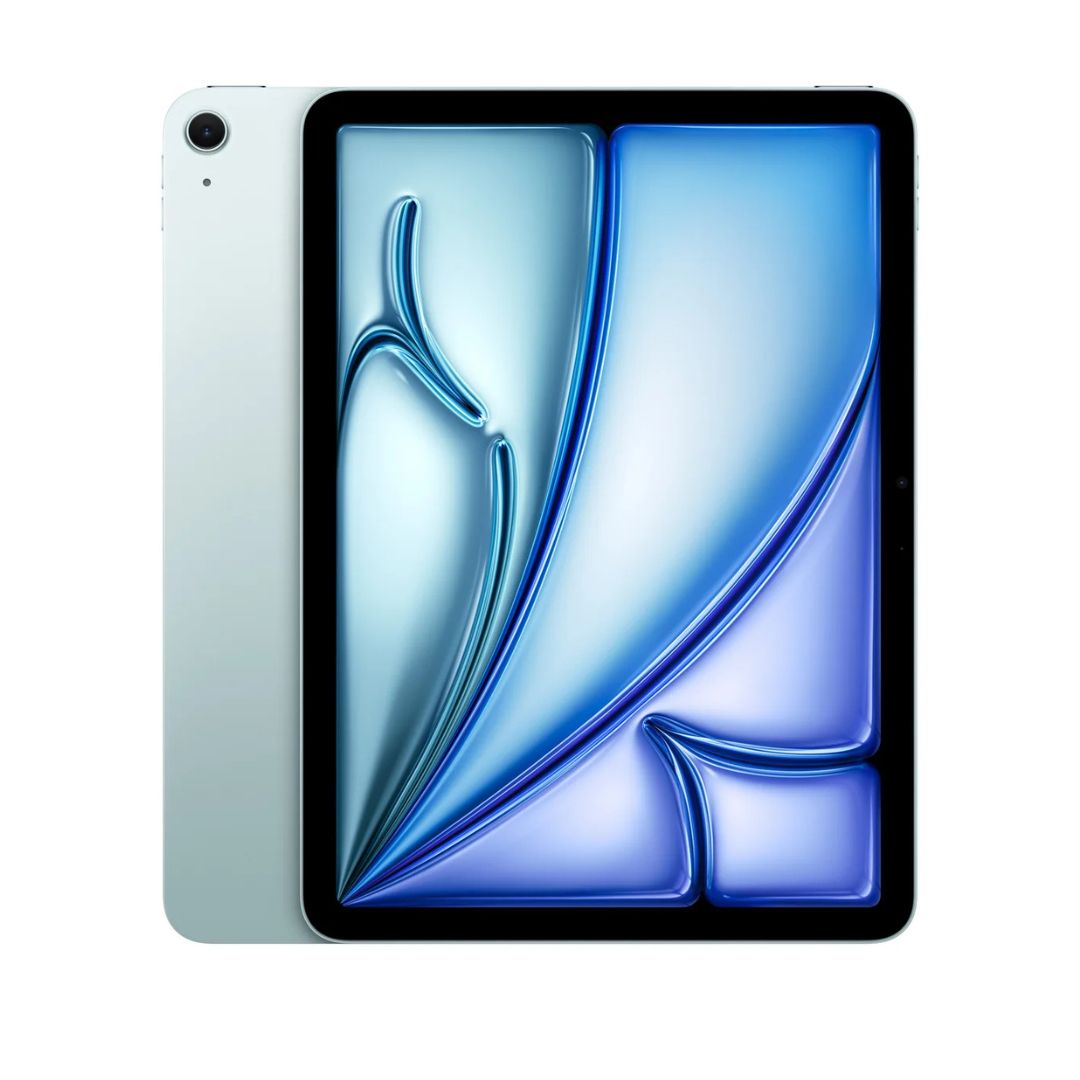
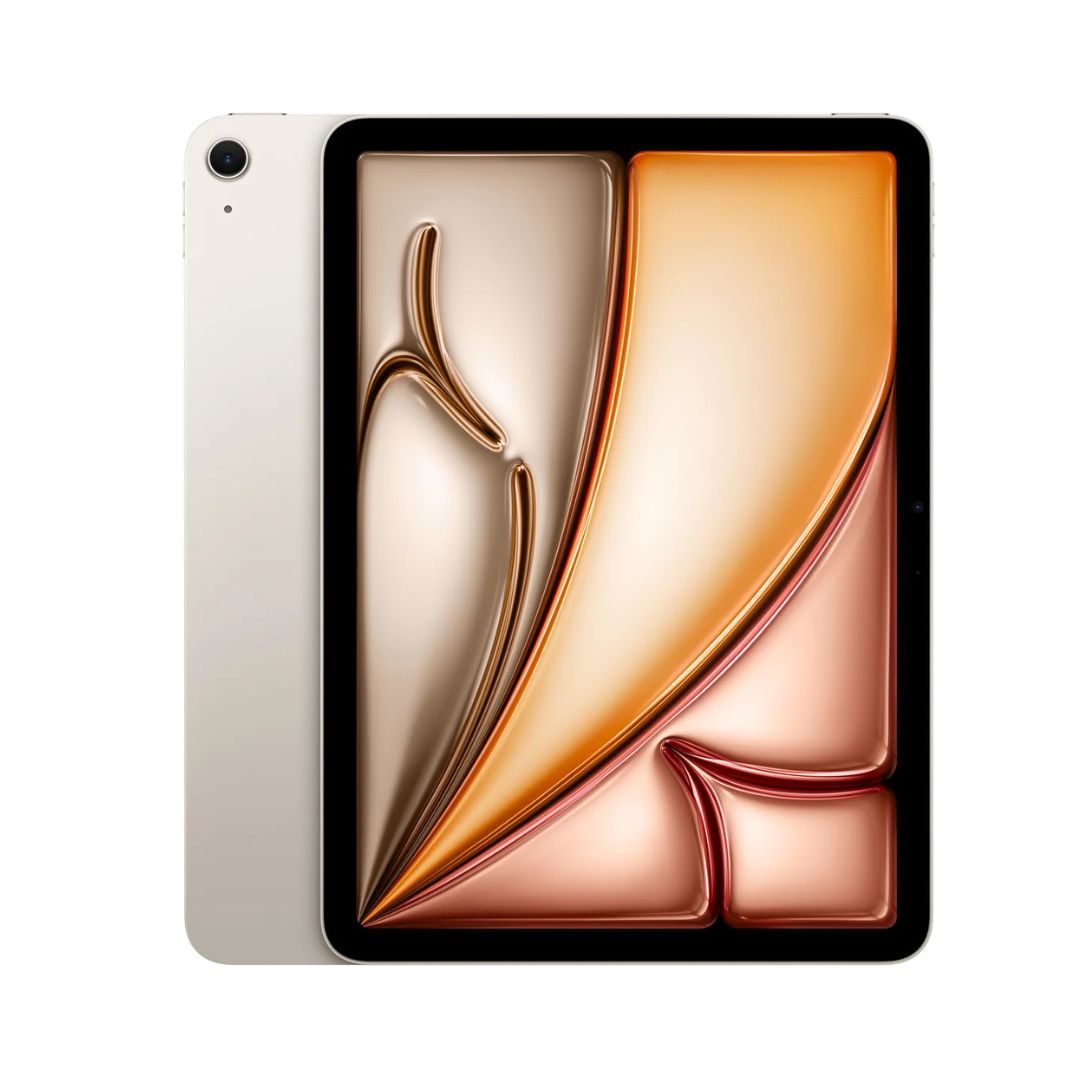
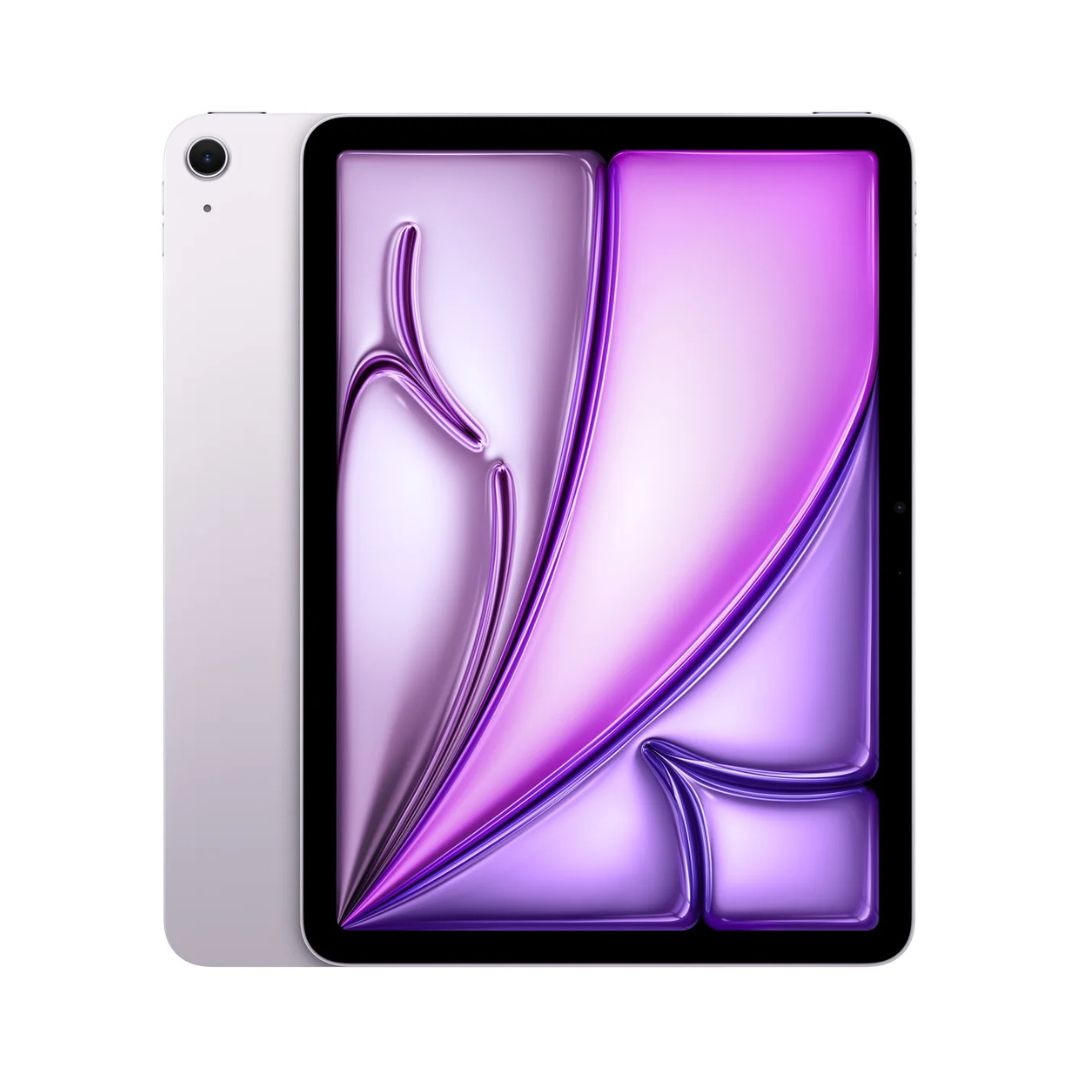


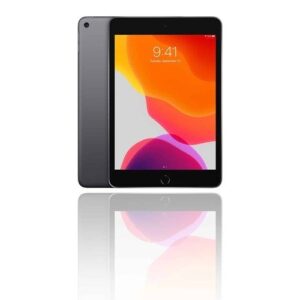
The Apple iPad Air 11-inch (Wi-Fi) with the powerful M2 chip delivers a giant leap in performance in an ultra-light, versatile form factor. Whether you’re editing 4K videos, sketching designs, gaming, or multitasking, the M2 chip and 8-core GPU deliver blazing-fast performance with exceptional power efficiency.
The edge-to-edge Liquid Retina display brings your content to life with P3 wide color, True Tone, and anti-reflective coating. It supports the Apple Pencil Pro, Apple Pencil (USB-C), and Magic Keyboard, transforming the iPad Air into a creative powerhouse or portable workstation.
With storage options of 128GB or 256GB, you can choose the capacity that fits your lifestyle. The Wi-Fi 6E support ensures fast and reliable connections for streaming, file transfers, and online collaboration.
Available in four elegant colors – Space Grey, Blue, Starlight, and Purple – the iPad Air 11″ combines performance and personality like never before.
Specifications
| Feature | Details |
|---|---|
| Display | 11″ Liquid Retina, 2360 x 1640 resolution |
| Chip | Apple M2 with 8-core CPU and 10-core GPU |
| Storage Options | 128GB, 256GB |
| Connectivity | Wi-Fi 6E |
| Apple Pencil Support | Apple Pencil Pro, Apple Pencil (USB-C) |
| Keyboard Support | Magic Keyboard, Smart Keyboard Folio |
| Camera (Rear) | 12MP Wide with Smart HDR and 4K video |
| Camera (Front) | 12MP Ultra Wide landscape with Center Stage |
| OS | iPadOS 17 or later |
| Battery Life | Up to 10 hours surfing the web or video playback |
| Colors Available | Space Grey, Blue, Starlight, Purple |
| Audio | Stereo speakers in landscape |
| Weight | Approx. 462g (varies slightly by configuration) |
Frequently Asked Questions (FAQs)
Q1: What’s new in the 11-inch iPad Air with M2 vs M1?
The M2 chip brings faster CPU/GPU performance, Pencil hover, and support for Apple Pencil Pro, making it a stronger productivity tool.
Q2: Does this iPad support Face ID?
No, it uses Touch ID built into the top button.
Q3: Can I use the iPad for full desktop apps?
With Stage Manager, external display support, and Magic Keyboard, it’s suitable for professional workflows, though macOS apps are not natively supported.
Q4: Which storage option should I choose?
128GB is ideal for general use and students, while 256GB is recommended for creatives or users working with larger files.








 No products in the cart.
Reviews
There are no reviews yet.