
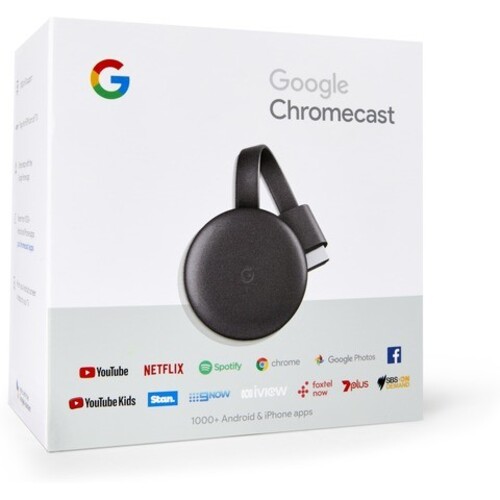
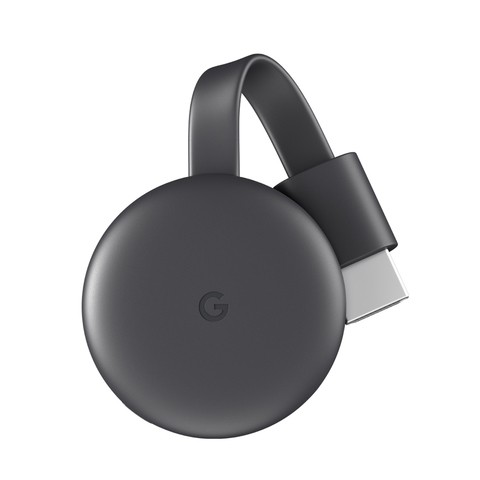
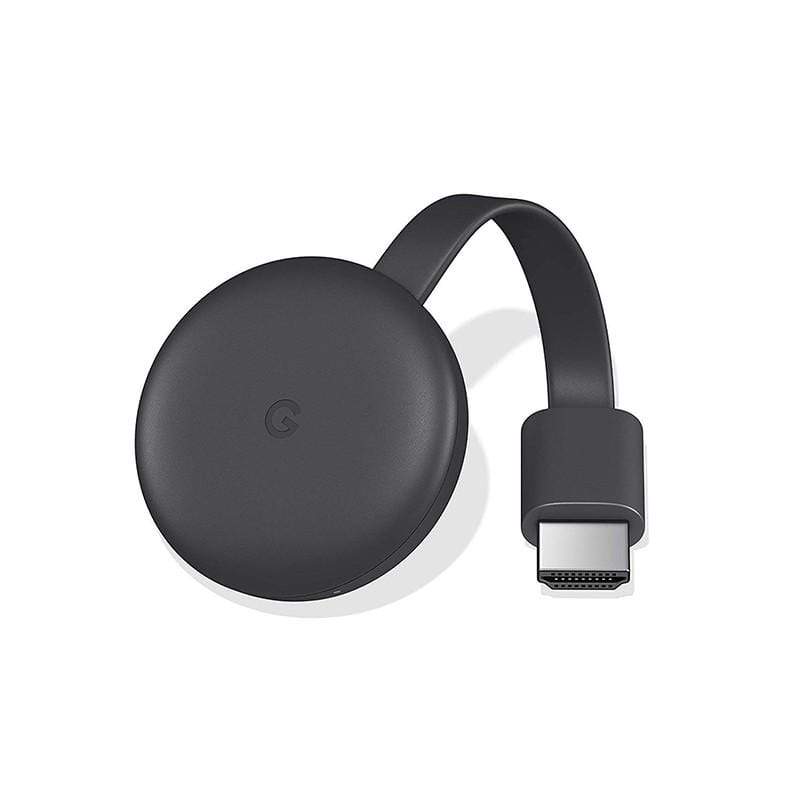


Google Chromecast 3 is a sleek and compact streaming media player that transforms any ordinary TV with an HDMI port into a smart entertainment hub. Whether you’re binge-watching Netflix, streaming music from Spotify, or showing off vacation photos, Chromecast 3 makes it effortless by allowing you to cast content directly from your smartphone, tablet, or laptop to your TV.
The device supports Full HD 1080p video output and delivers smooth, clear playback over a stable Wi-Fi connection. Simply plug Chromecast into your TV’s HDMI port, connect it to Wi-Fi, and start streaming from compatible apps with just a tap on your mobile device. No remote required—control everything from your phone.
With support for Android, iOS, Windows, and macOS, Chromecast 3 is versatile and user-friendly. You can even mirror your device’s screen or use your voice to control playback through Google Assistant.
Perfect for home use or travel, Chromecast 3 offers a seamless way to enjoy streaming media without the cost of a smart TV. Whether you’re hosting movie night or playing your favorite tunes, it’s the ultimate wireless entertainment solution.
✅ Specifications
| Feature | Description |
|---|---|
| Model | Google Chromecast 3 |
| Video Output | Up to 1080p Full HD |
| Connectivity | HDMI (output), Micro-USB (power), Wi-Fi |
| Streaming Support | Netflix, YouTube, Hulu, Spotify, Disney+, and more |
| OS Compatibility | Android, iOS, Windows, macOS |
| Power Source | USB power adapter or TV USB port |
| Dimensions | Compact, fits behind TV easily |
| Voice Control | Yes, via Google Assistant |
✅ FAQs
Q1: Does Chromecast 3 support 4K streaming?
A: No, Chromecast 3 supports up to 1080p Full HD. For 4K, consider Chromecast Ultra or Chromecast with Google TV.
Q2: Can I stream local files from my phone?
A: Yes, using supported apps like VLC or Plex, you can cast local media files.
Q3: Is there a remote included?
A: No remote is needed—control everything from your phone or tablet.
Q4: Can I mirror my entire phone screen?
A: Yes, screen mirroring is supported for Android and via Chrome browser for PCs.
Q5: Do I need a smart TV to use Chromecast?
A: No, you only need a TV with an HDMI port and a Wi-Fi network.









 No products in the cart.
Reviews
There are no reviews yet.