
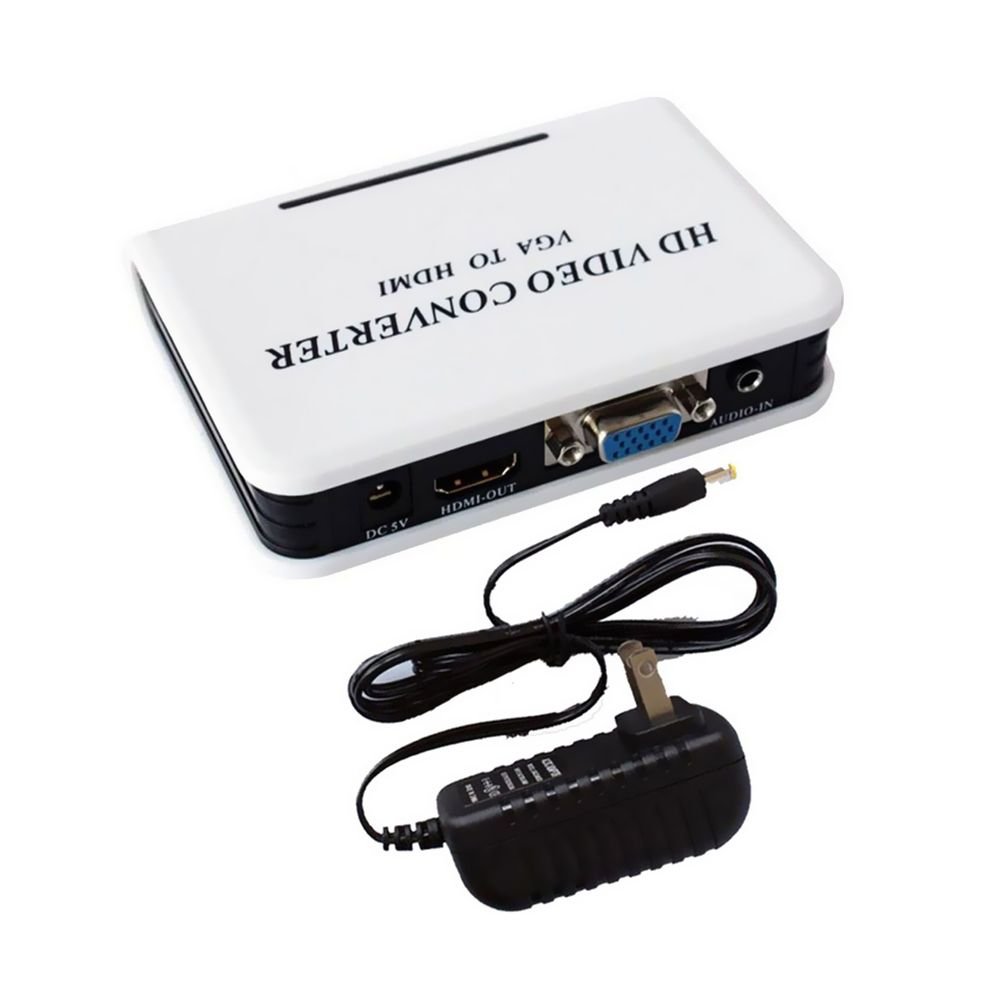


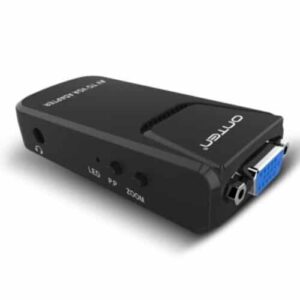
The Haysenser 1080p VGA to HDMI HDTV Audio Video Converter Box Adapter enables you to connect a computer, laptop or other device that outputs VGA (analog video) plus separate stereo audio, to an HDMI-only display such as an HDTV or modern monitor. With support for up to Full HD 1080p resolution, this Haysenser VGA to HDMI Converter Box performs the necessary analog-to-digital video conversion and embeds the audio signal into the HDMI output. The compact box form-factor with external power supply ensures sufficient conversion quality, making it a practical solution for retrofitting older hardware to newer displays. Ideal for business, education or home environments requiring compatibility between legacy devices and modern HDMI displays.
Key Features
Analog-to-Digital Video Conversion: Converts VGA (RGBHV) input to HDMI digital output.
Full HD 1080p Support: Enables HDMI output at up to 1920×1080 resolution for quality output.
Audio Embedding: Accepts separate stereo audio input and integrates it into the HDMI output signal.
Powered Converter Box: Requires external 5 V/USB (or included adapter) power supply to enable active conversion.
Plug-and-Play Design: Minimal setup required—connect VGA + audio in, HDMI out, power on.
Technical Specifications
| Feature | Details |
|---|---|
| Product Name | Haysenser VGA to HDMI Converter Box Adapter |
| Model | (Haysenser 1080p VGA to HDMI) |
| Input Video | VGA (15-pin D-Sub) |
| Input Audio | Stereo 3.5 mm jack (or RCA) |
| Output | HDMI (Type-A 19-pin) |
| Maximum Resolution | Up to 1920×1080 (Full HD) |
| Power Supply | External 5 V (via USB or DC adapter) |
| Compatibility | VGA equipped source to HDMI display |
FAQ Section
Q1: Will this converter work with any VGA source and HDMI display?
A1: Yes — provided the source outputs a standard VGA signal and the display accepts HDMI. Also ensure the converter supports the resolution and refresh rate your devices use.
Q2: Does it carry audio from VGA to HDMI?
A2: Since VGA alone carries only video, this converter requires a separate audio input (such as a stereo 3.5 mm jack) which is then embedded into the HDMI output.
Q3: Do I need to install any software or drivers?
A3: Typically no. The converter box is designed to be plug-and-play. You may need to adjust resolution settings on the source device to match the supported output.
Q4: Are there any limitations I should know about?
A4: Yes, because VGA is analog and HDMI is digital, maximum resolution, refresh rate and signal quality may depend on the source and cables used. Also, some HDTVs may require manual input selection or may limit unsupported resolutions.








 No products in the cart.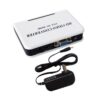
Reviews
There are no reviews yet.