
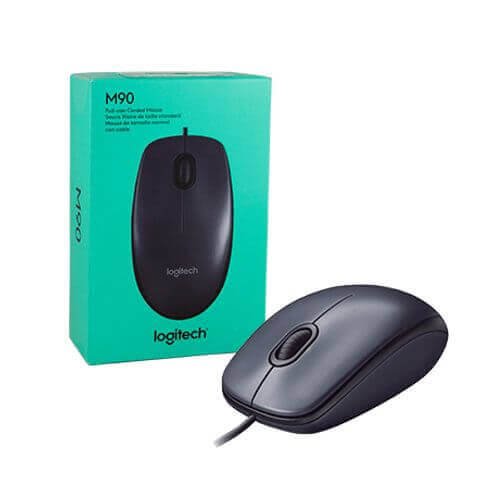
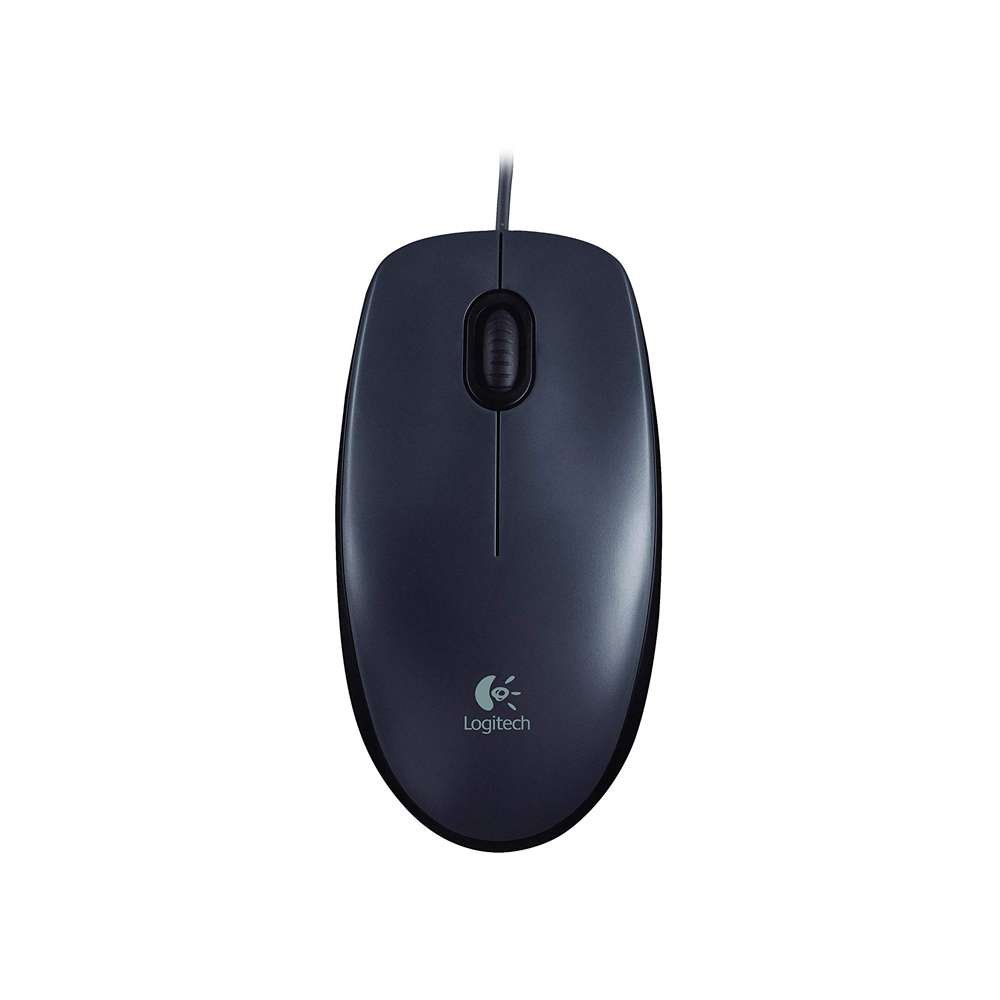


The Logitech M90 Wired USB Mouse offers straightforward, reliable control at an affordable price. With a plug-and-play setup, it connects instantly to your computer via USB—no software or drivers needed. Designed with comfort in mind, its full-size, ambidextrous shape fits both left- and right-handed users. Featuring 1000 DPI high-definition optical tracking, the M90 delivers accurate and smooth cursor control across various surfaces. Whether for work, school, or everyday computing, this mouse provides consistent performance and quality from a trusted brand.
Key Features
-
Plug-and-Play USB: Just plug it in and start using—no setup required
-
1000 DPI Optical Tracking: Ensures accurate, responsive pointer movement
-
Universal Comfort: Ambidextrous design suitable for both left- and right-hand users
-
Built to Last: Durable buttons and smooth scroll wheel for long-term use
-
Broad Compatibility: Works with Windows, macOS, Linux, and Chrome OS
Technical Specifications
| Feature | Details |
|---|---|
| Product Name | Logitech M90 Wired USB Mouse |
| Connection Type | USB 2.0 |
| Sensor Type | Optical |
| DPI Resolution | 1000 DPI |
| Number of Buttons | 3 (Left, Right, Scroll/Click) |
| Scroll Wheel | Standard, mechanical |
| Design | Ambidextrous |
| Cable Length | Approx. 1.5 meters |
| Compatibility | Windows®, macOS®, Linux®, Chrome OS™ |
| Dimensions | 113 x 62 x 38 mm |
| Weight | Approx. 90g |
| Warranty | 1-Year Manufacturer Warranty |
Frequently Asked Questions (FAQ)
Q: Does the Logitech M90 require driver installation?
A: No, it is plug-and-play via USB and works instantly with most systems.
Q: Can I use it with a Mac or Chromebook?
A: Yes, it’s compatible with macOS, Chrome OS, Linux, and Windows.
Q: Is the M90 suitable for left-handed users?
A: Yes, the symmetrical shape supports both left- and right-handed use.
Q: How accurate is the tracking?
A: It features 1000 DPI optical tracking for smooth, responsive control.
Q: Is the scroll wheel clickable?
A: Yes, the scroll wheel also functions as a third (middle) mouse button.









 No products in the cart.
Reviews
There are no reviews yet.