

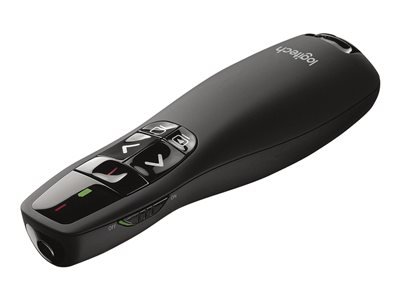
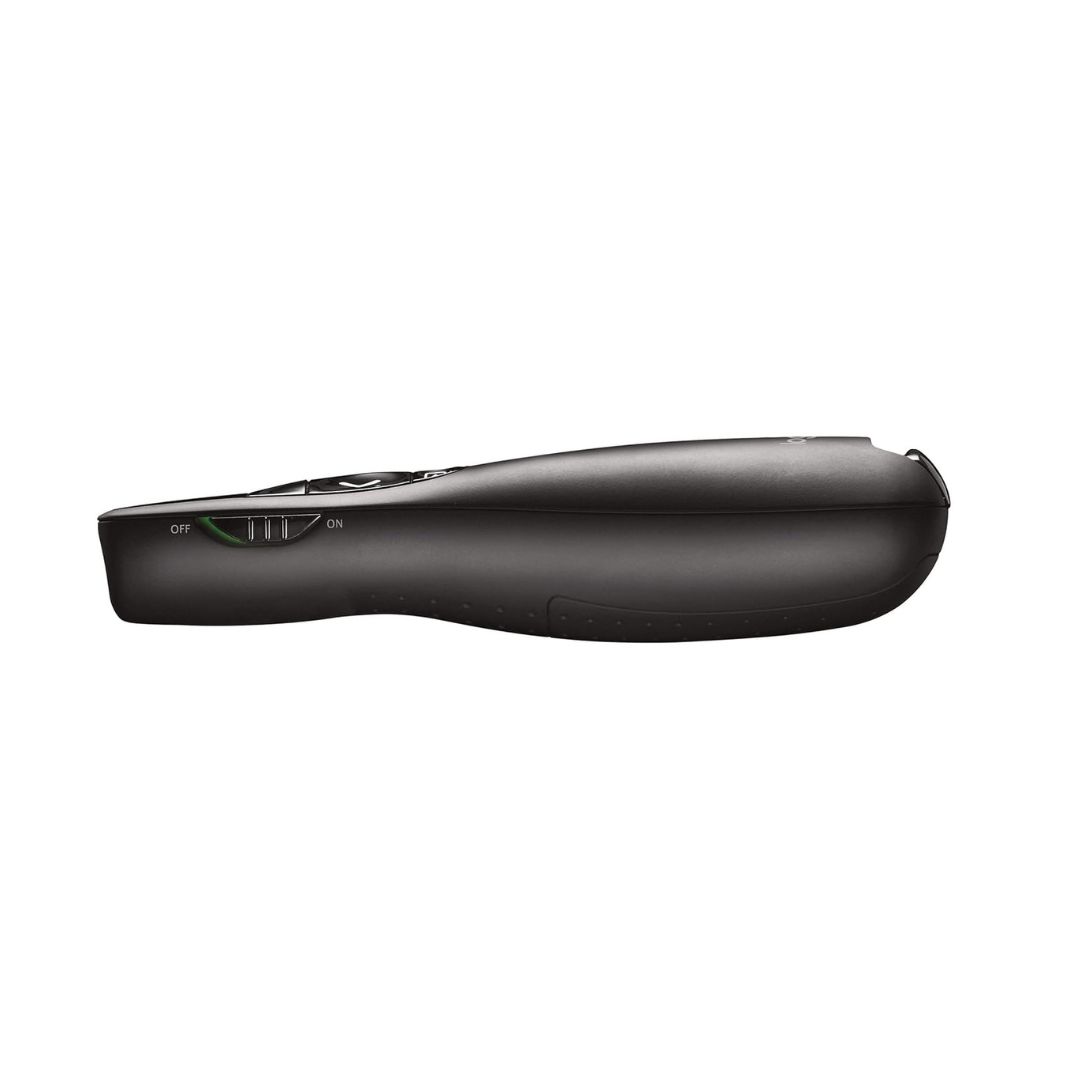
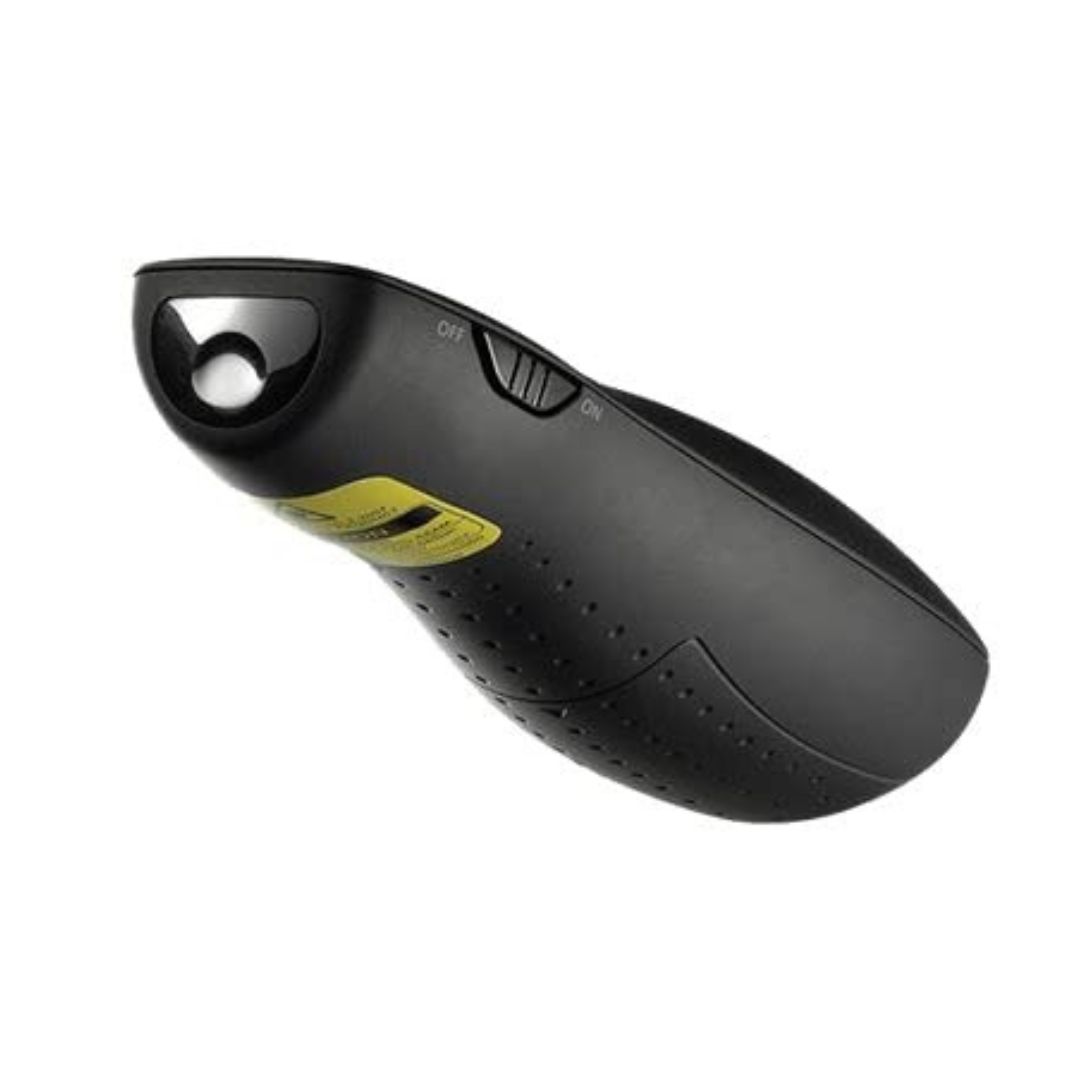


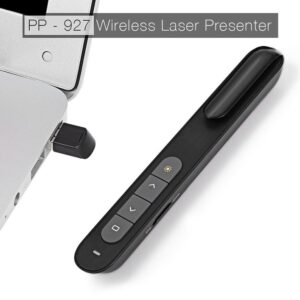
The Logitech R400 Laser Presentation Remote is a powerful yet easy-to-use tool for professional presentations. Designed for seamless control during meetings, lectures, or conferences, it features an integrated red laser pointer for highlighting key points and intuitive slide navigation buttons for smooth transitions. The plug-and-play 2.4GHz wireless receiver connects instantly to your PC without requiring drivers or software. With a 15-meter range, you can confidently move around the room while maintaining full control of your presentation. Whether you’re in a classroom or a boardroom, the Logitech R400 offers reliability, simplicity, and professional polish.
Key Features
-
Laser Pointer: Highlight key details with a bright red laser beam visible on most surfaces
-
Presentation Controls: Navigate slides easily with forward, back, start, and blackout buttons
-
Extended Wireless Range: Roam freely with a 15-meter (50 feet) wireless range
-
Plug-and-Play Setup: No software installation required—just insert the USB receiver
-
Battery Efficient: Includes on/off switch and battery indicator to maximize power life
-
Portable Design: Lightweight and ergonomic for easy handling during long sessions
Specifications:
| Feature | Details |
|---|---|
| Product Name | Logitech R400 Laser Presentation Remote |
| Connectivity | 2.4GHz Wireless (USB Receiver) |
| Wireless Range | Up to 15 meters (50 feet) |
| Laser Pointer | Red laser, Class 2 Laser |
| Power Source | 2 × AAA Batteries |
| Controls | Next, Back, Start, Black Screen, Laser Pointer |
| Compatibility | Windows XP/Vista/7/8/10/11 |
| Receiver Storage | Built-in storage in remote body |
| Dimensions | 115.5 x 37.8 x 27.4 mm |
| Weight | Approx. 57g (without batteries) |
| Warranty | 1-Year Manufacturer Warranty |
Frequently Asked Questions (FAQ):
Q: Does the Logitech R400 work with macOS?
A: The R400 is officially supported on Windows. Basic slide navigation may work on macOS, but laser and advanced functions may be limited.
Q: Do I need to install any software?
A: No, it’s plug-and-play—just insert the USB receiver into your PC.
Q: How visible is the laser pointer?
A: The red laser is visible on most indoor surfaces and ideal for presentations.
Q: Can I store the receiver in the remote?
A: Yes, the USB receiver stores securely inside the remote when not in use.
Q: What is the battery life like?
A: Battery life depends on usage, but it typically lasts through many presentations and includes a power-saving on/off switch.











 No products in the cart.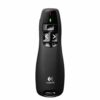
Reviews
There are no reviews yet.