
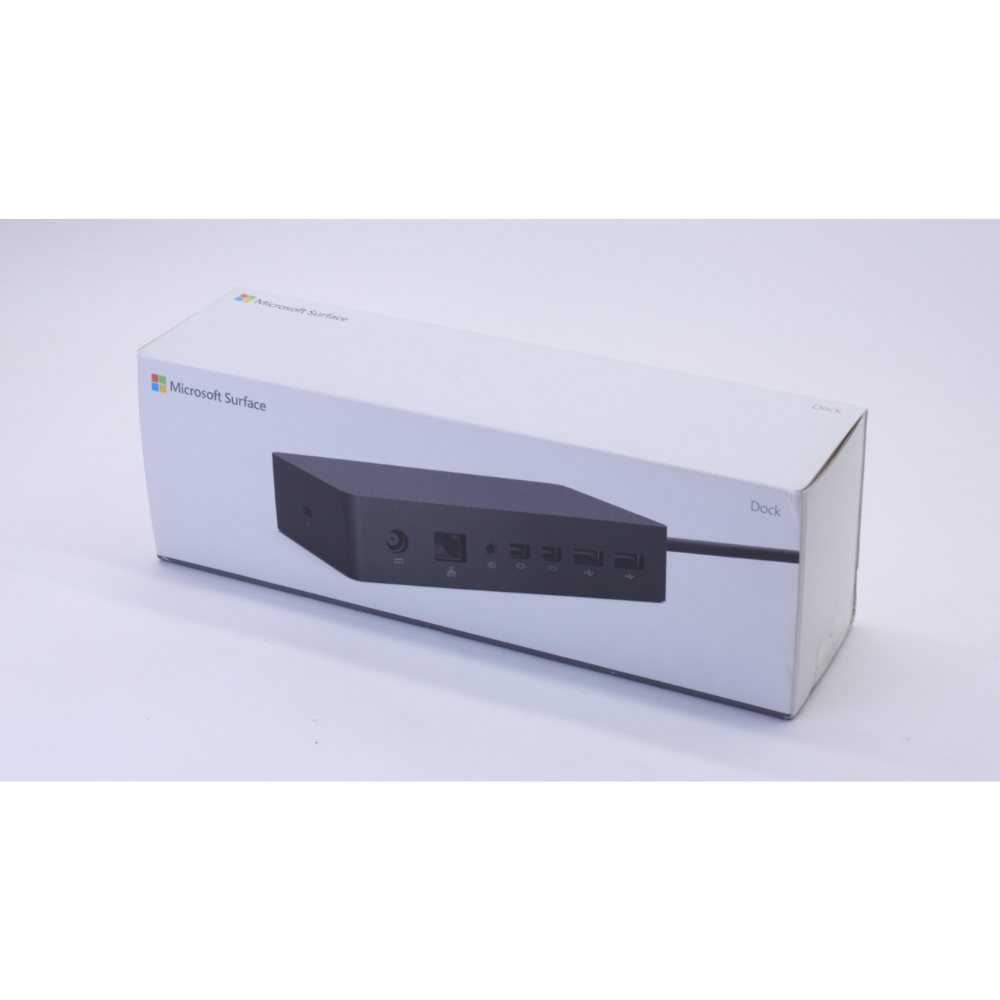

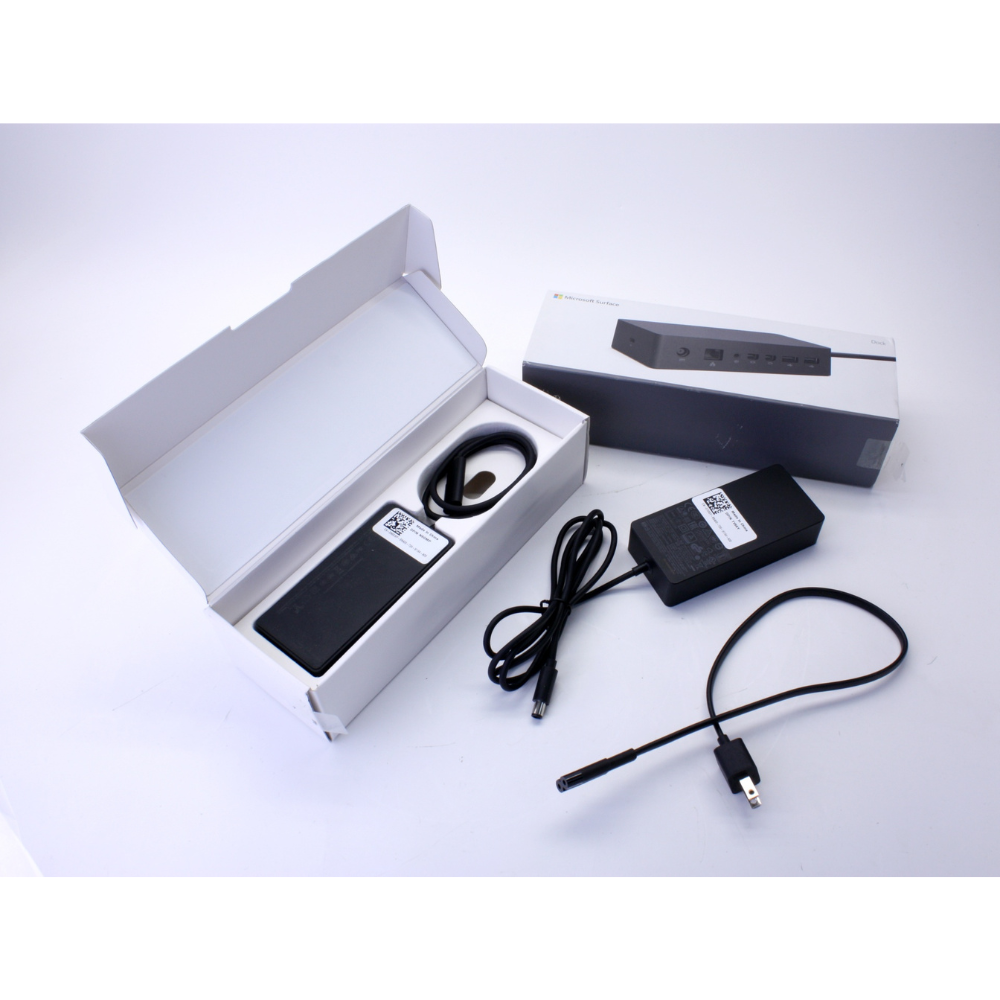


The Microsoft Surface Dock 2 is designed to enhance your productivity by turning your Surface device into a full-fledged desktop PC. With a robust 199W power supply, it not only charges your device but also supports dual 4K mo
| Feature | Specification |
|---|---|
| Model | Surface Dock 2 |
| Power Supply | 199W |
| USB-C Ports | 4 × USB-C 3.2 Gen 2 (2 front, 2 rear) |
| USB-A Ports | 2 × USB-A 3.2 Gen 2 (rear) |
| Ethernet | 1 × Gigabit Ethernet port |
| Audio | 1 × 3.5mm audio jack |
| Security | Kensington lock slot |
| Dimensions | 5.12 x 2.75 x 1.18 inches (13 x 6.99 x 3 cm) |
| Weight | 1.13 lbs (0.51 kg) |
| Compatibility | Windows 10 version 1809 and later; Surface Pro (5th Gen) and later; Surface Laptop (all generations); Surface Book 2 and later; Surface Go (all generations); Surface Laptop Studio. |
FAQs
Q1: Can the Surface Dock 2 support dual monitors?
A: Yes, it supports up to two 4K monitors at 60Hz, enhancing your multitasking capabilities.
Q2: Is the Surface Dock 2 compatible with my Surface device?
A: The Dock 2 is compatible with Surface Pro (5th Gen) and later, Surface Laptop (all generations), Surface Book 2 and later, Surface Go (all generations), and Surface Laptop Studio.
Q3: How does the Surface Dock 2 connect to my Surface device?
A: It connects via the Surface Connect cable, providing power and data transfer through a single connection
Q4: Does the Dock 2 support enterprise management features?
A: Yes, it supports Surface Enterprise Management Mode (SEMM) and Windows Management Instrumentation (WMI) for IT administrators to manage firmware updates and security policies
Q5: What is the power output of the Surface Dock 2?
A: It has a 199W power supply, sufficient to charge most Surface devices under full load.
nitors at 60Hz, ensuring a seamless multitasking experience. Whether you’re working from home, the office, or a flexible workspace, the Surface Dock 2 provides the connectivity and power you need




 No products in the cart.
Reviews
There are no reviews yet.